Staminads is self-hosted. Choose the deployment method that fits your infrastructure.
Quick Deploy
TODO: add railway
Docker Compose
Best for: Self-hosting with everything included (ClickHouse + Staminads in one stack).
1. Clone the repository
git clone https://github.com/staminads/staminads.git
cd staminads
2. Create .env file
# Required - generate with: openssl rand -hex 32
ENCRYPTION_KEY=your-32-character-encryption-key-here
# Your Staminads URL (used for email links)
APP_URL=https://staminads.yourdomain.com
# CORS origins (your Staminads URL)
CORS_ALLOWED_ORIGINS=https://staminads.yourdomain.com
# Optional: ClickHouse password
CLICKHOUSE_PASSWORD=
3. Start the stack
Staminads is now running at http://localhost:3000.
Dockerfile (External ClickHouse)
Best for: Using an existing ClickHouse instance or managed ClickHouse services (ClickHouse Cloud, Aiven, etc.).
1. Pull the image
docker pull pierreb/staminads:latest
2. Run with environment variables
docker run -d \
--name staminads \
-p 3000:3000 \
-e ENCRYPTION_KEY="your-32-character-encryption-key" \
-e APP_URL="https://staminads.yourdomain.com" \
-e CORS_ALLOWED_ORIGINS="https://staminads.yourdomain.com" \
-e CLICKHOUSE_HOST="https://your-clickhouse-host:8443" \
-e CLICKHOUSE_SYSTEM_DATABASE="staminads_system" \
-e CLICKHOUSE_USER="default" \
-e CLICKHOUSE_PASSWORD="your-clickhouse-password" \
pierreb/staminads:latest
When using ClickHouse Cloud or other managed services, use https:// and port 8443 for secure connections.
Environment Variables
Required
| Variable | Description |
|---|
ENCRYPTION_KEY | Encryption key for sensitive data. Must be at least 32 characters. Generate with: openssl rand -hex 32 |
APP_URL | Public URL of your Staminads instance (used for email links like password reset, invitations) |
CLICKHOUSE_HOST | ClickHouse server URL (e.g., http://localhost:8123 or https://cloud.clickhouse.com:8443) |
ClickHouse Connection
| Variable | Default | Description |
|---|
CLICKHOUSE_SYSTEM_DATABASE | staminads_system | Database name for Staminads system tables |
CLICKHOUSE_USER | default | ClickHouse username |
CLICKHOUSE_PASSWORD | — | ClickHouse password |
Server
| Variable | Default | Description |
|---|
PORT | 3000 | HTTP server port |
JWT_EXPIRES_IN | 7d | JWT token expiration (e.g., 7d, 24h) |
CORS_ALLOWED_ORIGINS | * | Comma-separated allowed origins for CORS. Track endpoints (/api/track*) always allow all origins. |
CUSTOM_DIMENSIONS_CACHE_TTL_MS | 15000 | Cache TTL for custom dimensions (milliseconds) |
SMTP (Optional)
Configure SMTP to enable email features (password reset, team invitations). If not set globally, workspace-level SMTP must be configured.
| Variable | Default | Description |
|---|
SMTP_HOST | — | SMTP server hostname |
SMTP_PORT | 587 | SMTP server port |
SMTP_TLS | true | Use TLS for SMTP connection |
SMTP_USER | — | SMTP username |
SMTP_PASSWORD | — | SMTP password |
SMTP_FROM_NAME | Staminads | Sender name for emails |
SMTP_FROM_EMAIL | — | Sender email address |
First Login
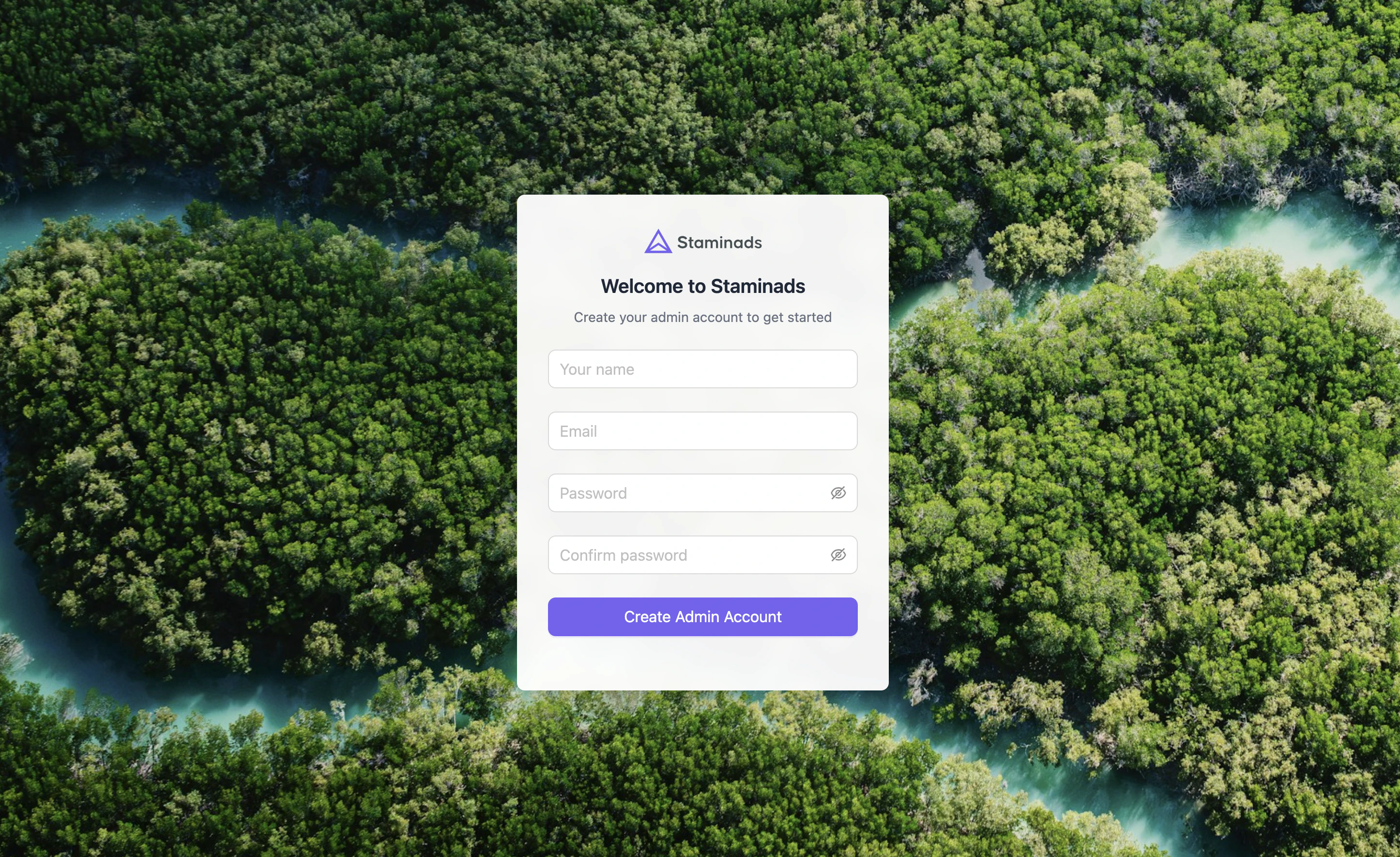
After installation, open your Staminads URL in a browser. You’ll be prompted to create your first admin account.
Next Steps